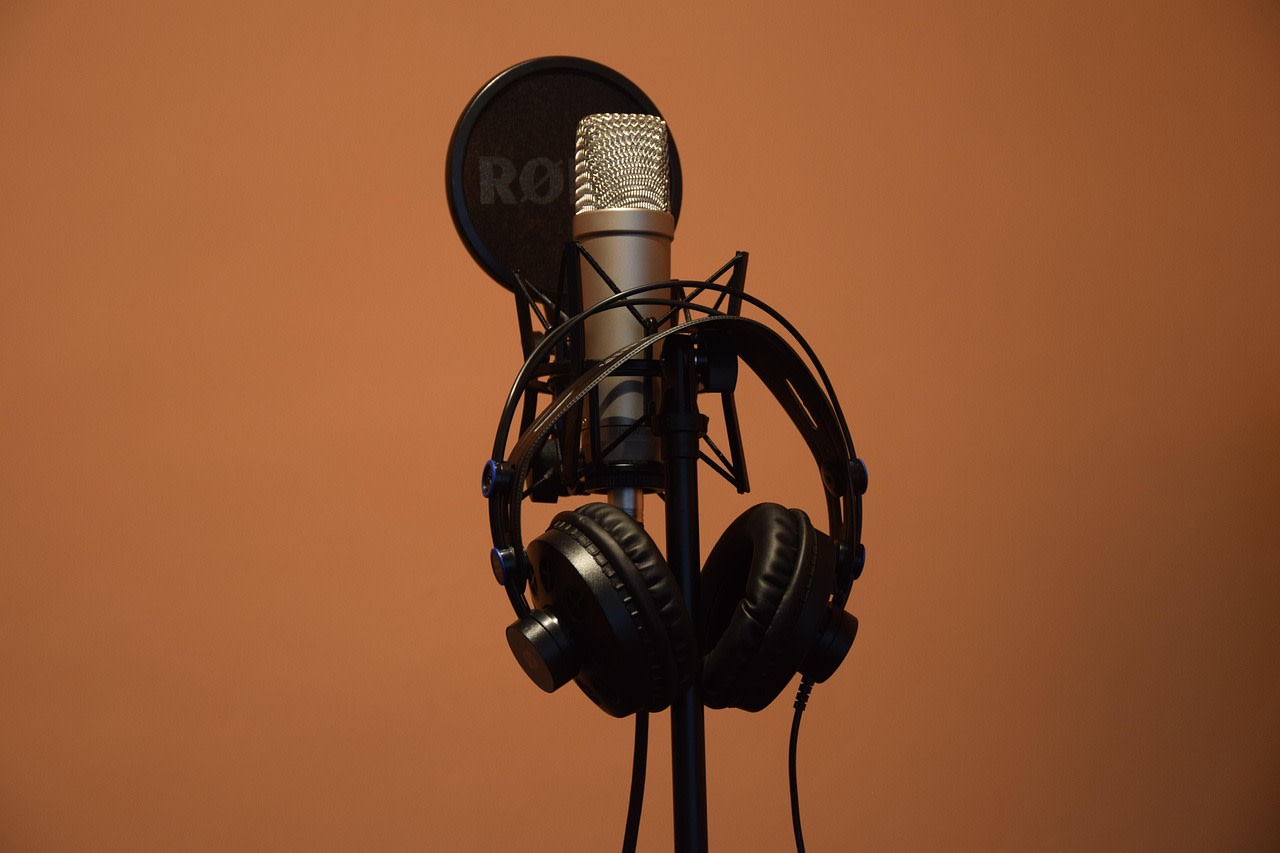
Sometimes I wanted to record my voice, either for singing or for sending a voice message on WhatsApp instead of typing out a text, and the result was never what I expected. There was more background noise than I wanted, and during the loud parts of a song the audio would kind of crash and distort. I swapped my old microphone for a better one, assuming that was the problem, but it turned out the issue was somewhere else entirely: the audio format. The format my phone or my recording app was using to save the file simply wasn't efficient for what I was trying to do.
Picking the right audio format for your situation matters more than most people realize, because every format is built with a different job in mind. Some are designed to compress a file down as small as possible so it can be sent quickly, the way a WhatsApp voice messages works. Others are built for products like a song, where the singer's tone and the instruments behind it need to hear cleanly. Getting familiar with the main formats, and what each one is actually for, makes that choice a lot less confusing.
What Do We Mean by Format?
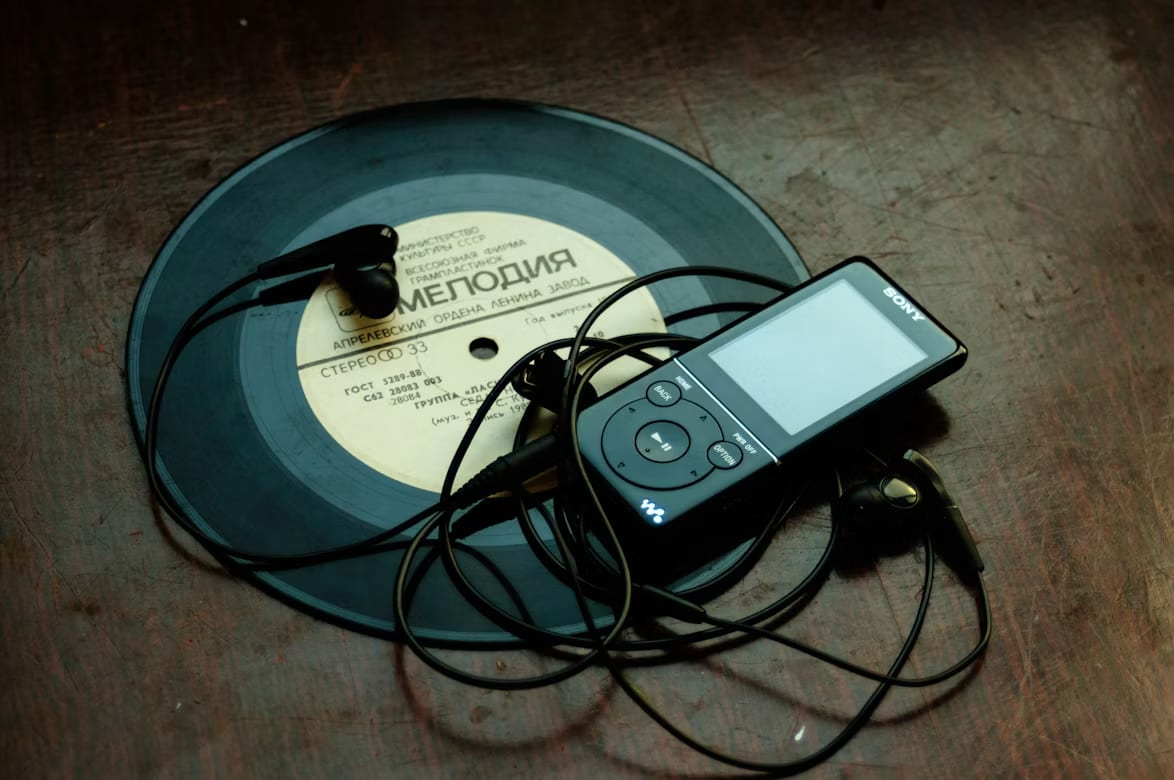
In short, a format refers to the way sound waves are converted into binary data (ones and zeros). In other words, it describes how we managed to take a song that was once stored as physical grooves on a vinyl record and turn it into digital zeros and ones. These formats contain structures and instructions that tell the system how to package, compress, and store raw audio data so that another system or software can read it later exactly as it was intended, without issues, allowing us to listen to a song recorded on the other side of the world directly on our phones.
A format consists of two parts: the codec and the container.
The codec is the main part of the process, which includes the algorithm used to compress (encode) the audio and the method used to play it back (decode). Examples include MP3, AAC, or Opus.
The container is the part that stores the file's information and metadata, such as artist name, cover art, and tags, bundled under a file extension like .ogg, .m4a, or .mp3.
Types of Formats and their Characteristics
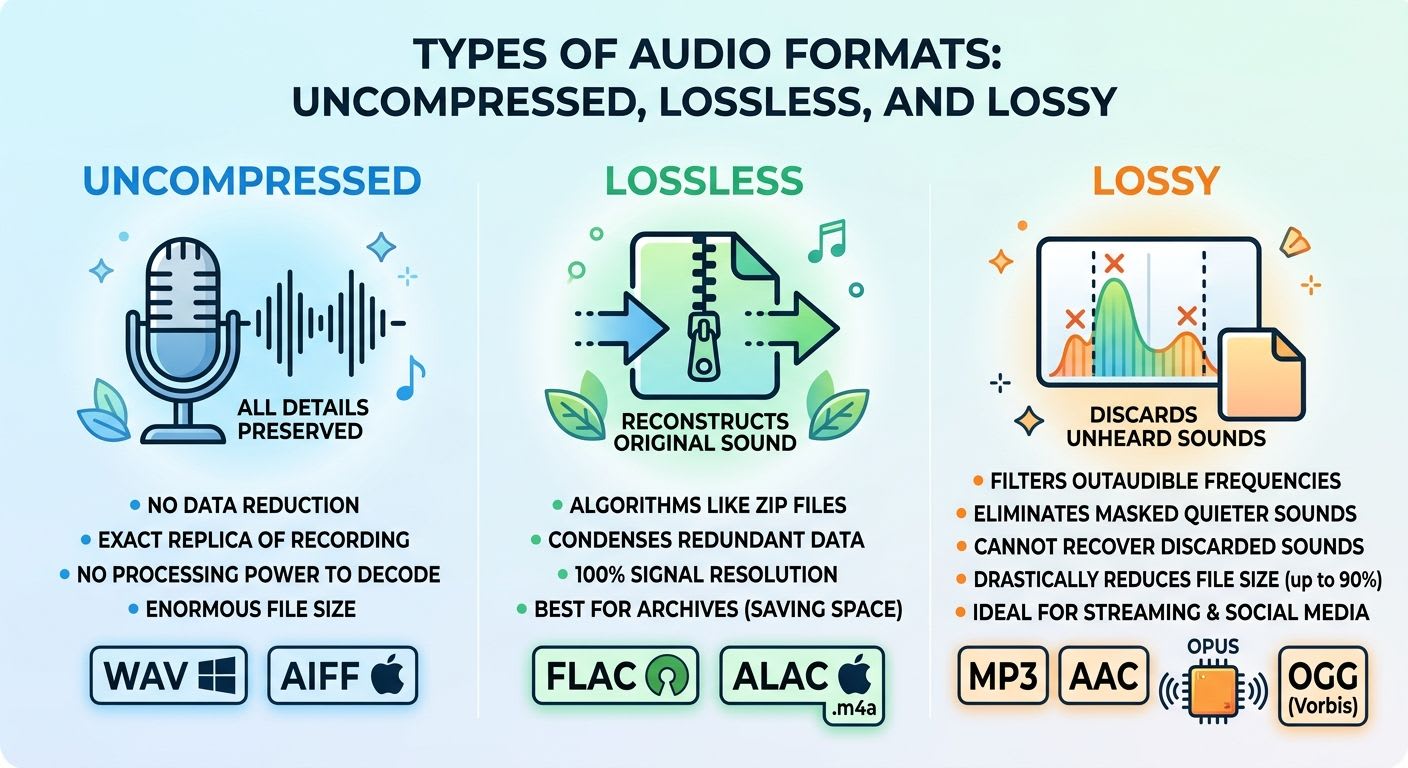
Audio files are divided into three formats based on their storage method:
1. Uncompressed: If you have ever recorded your voice using your phone's voice recorder app, you might have noticed that the files take up a lot of storage. A 4-minute music track, for instance, is often much smaller in size than a voice recording of the exact same length. The reason for this lies in the type of format used during sound recording. When recording audio, we need to capture everything that is heard without any loss, omission, or alteration; therefore, every detail must be preserved exactly as captured. In these formats, everything picked up by the microphone or audio interface is stored bit by bit, without any compression or data-reduction algorithms. The biggest advantage of this category is that it requires no processing power to decode inside editing software and preserves 100% of the signal resolution. However, its main drawback is the enormous file size.
WAV: The dominant standard in Windows environments and professional audio systems.
AIFF: Apple's equivalent to the WAV format, widely used in Mac software and Logic Pro.
2. Lossless: These formats utilize algorithms that work similarly to ZIP files. They do not discard anything—not even a single Hertz of frequency—while condensing redundant data. As soon as the file is played, the processor reconstructs all components, providing the exact same sound and detail as the original raw file. Because of this, it is the best choice when building a permanent or extensive audio archive while saving a significant amount of storage space.
FLAC: The most popular, widely used lossless format, completely open-source.
ALAC: Apple's proprietary lossless format (using the .m4a extension), optimized for the Apple Music ecosystem and iOS.
3. Lossy: You have probably seen those Instagram Reels where a sound starts playing and gradually becomes inaudible to human ears—not because it stopped playing, but because humans cannot hear those frequencies, such as infrasound. However, these sounds can still be captured during recording. Lossy formats work by filtering out sounds that fall outside human hearing range or eliminating quieter sounds that are masked behind louder ones. Once saved in these formats, the discarded sounds cannot be recovered. However, this method drastically reduces audio file sizes by up to 90%, making it the ideal format for social media platforms and streaming services.
MP3: The most seasoned and universally compatible compressed format, supported by virtually every device.
AAC: The advanced successor to MP3, offering superior quality and frequency clarity at comparable bitrates; it is the default standard for YouTube and Apple.
Opus: The most modern format available today, delivering crystal-clear sound (especially for speech and voice messages) at extremely tiny file sizes.
OGG (Vorbis): A powerful open-source format utilized by platforms like Spotify for streaming.
Now let's dive into formats.
WAV (Waveform Audio File Format)
This format is one of the most memorable ones. You probably remember the old Windows XP sound files that are still shared today as nostalgic clips. The reason we associate Windows XP with this format and its iconic WAV icons is that it was developed by Microsoft and IBM, becoming the primary standard for storing raw audio in the Windows operating system and recording studios. Audio data in WAV is typically written as Linear Pulse-Code Modulation (LPCM) without any modification. As a result, the system processor experiences zero strain to decode the audio during playback or processing inside Digital Audio Workstations (DAWs). Its main drawbacks are the very large file size (around 10 MB per minute of CD-quality stereo audio) and weaker, less consistent metadata support (tag info, artist name, and album art) compared to more modern formats.
Primary Use Cases: Initial studio recording, mixing, mastering, and producing sound effects for video games and films.
AIFF (Audio Interchange File Format)
This format was Apple's answer to WAV, developed based on Electronic Arts' file architecture to become the native standard for Macintosh systems. Structurally and qualitatively, AIFF also stores completely raw, uncompressed PCM audio, delivering the exact same quality as WAV. A tangible advantage of AIFF over classic WAV is its more standardized and stable handling of metadata and music track tags within the Apple ecosystem, although compatibility outside of Mac environments is slightly more limited compared to WAV.
Primary Use Cases: Audio projects within the Mac ecosystem, Logic Pro software, and music production on Apple platforms.
DSD (Direct Stream Digital / DFF and DSF Files)
Many people recognize this format because of Sony and Philips. This format is used to produce ultra-high-end audio systems, with Sony being the most well-known. DSD takes a different approach to uncompressed recording. Instead of the standard PCM method, it uses Pulse-Density Modulation (PDM) with a depth of only 1 bit, but at extremely high sampling rates (such as 2.8 to 11.2 MHz). This format forms the foundation of Sony and Philips' Super Audio CD (SACD) discs, recreating analog sound with very low quantization noise across audible frequencies. DSF files also support metadata, but editing them is extremely difficult and requires expensive digital-to-analog converters (DACs) and high-end gear.
Primary Use Cases: Ultra-high-end audiophile systems and archiving ultra-high-quality SACD discs.
FLAC (Free Lossless Audio Codec)
I first came across this format while downloading a song. Music was usually released as MP3, but when I saw that song in this format, I downloaded it and realized how great the quality was while also taking up less space. This format is the king of the lossless audio world and a completely open-source, free standard managed by the Xiph.Org Foundation. The FLAC algorithm condenses linear audio data using mathematical prediction and entropy coding, reducing the file size by typically 40 to 60 percent compared to WAV without losing a single bit of quality. This format features a very robust metadata management system (Vorbis Comment), boasts ultra-fast decoding speeds, and is natively supported today across virtually all operating systems, modern media players, and car audio systems. If I ever become a singer one day, I will definitely release my first album in this format to honor the memory of that high-quality track I downloaded back then.
Primary Use Cases: Permanent high-quality music archiving, Hi-Res music stores, and high-fidelity streaming services like Tidal and Qobuz.
ALAC (Apple Lossless Audio Codec)
In the previous paragraphs about the AIFF format, we read that Apple created its own format to have something exclusive for Macintosh, and it seems this is Apple's typical approach most of the time! This format was Apple's answer to FLAC, originally developed as a proprietary and exclusive solution before being made open-source in 2011. ALAC files are usually housed inside Apple's proprietary container with the .m4a extension, offering compression ratios and audio fidelity that directly match FLAC. The primary advantage of this format is seamless, 100 percent native integration with the Apple ecosystem (iPhone, Mac, iTunes, and the Apple Music app), which lacks full native support for FLAC.
Primary Use Cases: Lossless streaming on Apple Music and organizing high-resolution audio libraries across Apple devices.
APE (Monkey's Audio)

An older yet highly compressed lossless codec that offers a slightly better compression ratio than FLAC and ALAC, resulting in somewhat smaller final files. Despite this space-saving advantage, APE demands significantly more processing power and computational effort to decode, putting higher strain on the CPU. This issue, combined with it not originally being open-source, led to very limited compatibility across portable devices and audio hardware, ultimately causing it to fall behind FLAC.
Primary Use Cases: CD ripping and legacy music archives on personal computers (particularly with software like Foobar2000).
WavPack (.wv Extension)
A highly unique and flexible open-source format featuring a revolutionary feature called "Hybrid Mode." In this mode, WavPack generates a small, lossy compressed file alongside a complementary correction file (.wvc). When both files are present together, the audio plays back as pure lossless; if only the main file is available, it plays as a standard lossy file. Additionally, this format natively supports 32-bit floating-point bit depths and extremely high sample rates without restrictions.
Primary Use Cases: Professional audio engineering archives and production projects requiring 32-bit float bit depth.
WMA Lossless (Windows Media Audio Lossless)
Microsoft's proprietary format designed to compete in the lossless compression space, deeply integrated into the Windows ecosystem and Windows Media Player. It delivers sound identical to the original CD or studio master with zero quality loss and decent compression ratios. However, due to its closed, proprietary nature, it faces severe compatibility hurdles outside the Windows realm (such as on Linux, macOS, or most portable media players) and is largely considered obsolete today.
Primary Use Cases: Legacy archived rips made via Windows Media Player on Windows operating systems.
MP3 (MPEG-1 Audio Layer III)
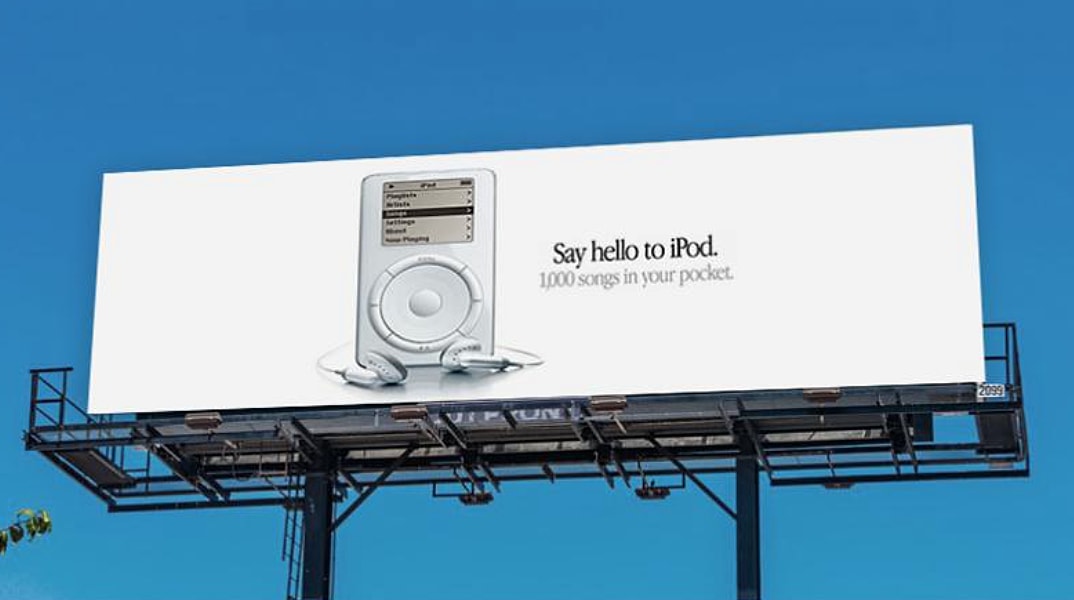
Do you remember how mobile phone and computer advertisements always highlighted MP3 playback capabilities? In Apple's city billboards and other phone ads, it was constantly pointed out that the phone could play MP3 files, making it one of the main criteria for buying a device. It was so critical that several seconds of a multi-million-dollar smartphone commercial would be dedicated to emphasizing its ability to play this type of music and audio file. This format is the most famous audio standard in history, introduced in the 1990s, which completely revolutionized digital music. By eliminating imperceptible frequencies and using perceptual compression, MP3 reduces file sizes by about 90%, transforming a raw 40 MB file into roughly 4 MB at bitrates between 128 and 320 kbps. While modern algorithms offer better fidelity at lower bitrates, MP3's unmatched advantage remains its absolute, 100 percent universal compatibility across any hardware, software, car stereo, and podcast player, old or new.
Primary Use Cases: Universal podcast distribution, mainstream music distribution, and playback on legacy car stereos and older gadgets.
AAC (Advanced Audio Coding / Usually with .m4a or .aac Extension)
Designed as the direct successor and evolution of MP3, this format utilizes significantly more advanced frequency analysis and mathematical transformation algorithms. An AAC file at a bitrate of 128 kbps delivers audio quality equivalent to, or even clearer than, an MP3 file at 192 or 256 kbps, meaning higher quality at smaller file sizes. The AAC standard serves as the default, native format for YouTube, Apple platforms, and modern video playback and streaming services.
Primary Use Cases: Streaming on Apple Music and YouTube, audio tracks for MP4 videos, and modern digital music downloads.
Opus (with .opus Extension or OGG Container)
The newest, most efficient, and most revolutionary audio codec available today, standardized by the Internet Engineering Task Force (IETF). It combines two distinct algorithms: SILK (developed by Skype for human speech) and CELT (for full-frequency music). Opus delivers remarkable voice clarity at ultra-low bitrates (such as 12 to 32 kbps) while matching or surpassing the quality of a 320 kbps MP3 at bitrates around 128 kbps, all while maintaining near-zero latency.
Primary Use Cases: Voice messaging on Telegram and WhatsApp, internet voice calls (VoIP, Discord, Skype), and modern web-based audio streaming.

A completely free, royalty-free, and open-source lossy compressed format developed in the early 2000s to escape the commercial patents associated with MP3. In terms of quality and compression efficiency, it performs significantly better than MP3 and offers a flexible, robust structure for handling metadata. Although it never achieved the widespread hardware playback support that MP3 enjoyed, it gained a firm foothold among software developers, game creators, and major web services.
Primary Use Cases: Default audio on the Spotify streaming service and in-game audio assets within game engines.
WMA Lossy (Windows Media Audio)
Microsoft's lossy compressed format introduced alongside the Windows operating system and Windows Media Player in the late 1990s. At lower bitrates (such as 64 or 96 kbps), it performed better than early versions of MP3. However, due to its strict lock-in to the Windows platform and a lack of adoption across other platforms and the web, it quickly lost ground to AAC and more modern formats, and it is rarely used today.
Primary Use Cases: Legacy audio files on Windows systems and older Windows Media Player rips.
AMR (Adaptive Multi-Rate / with .amr or .3gp Extension)
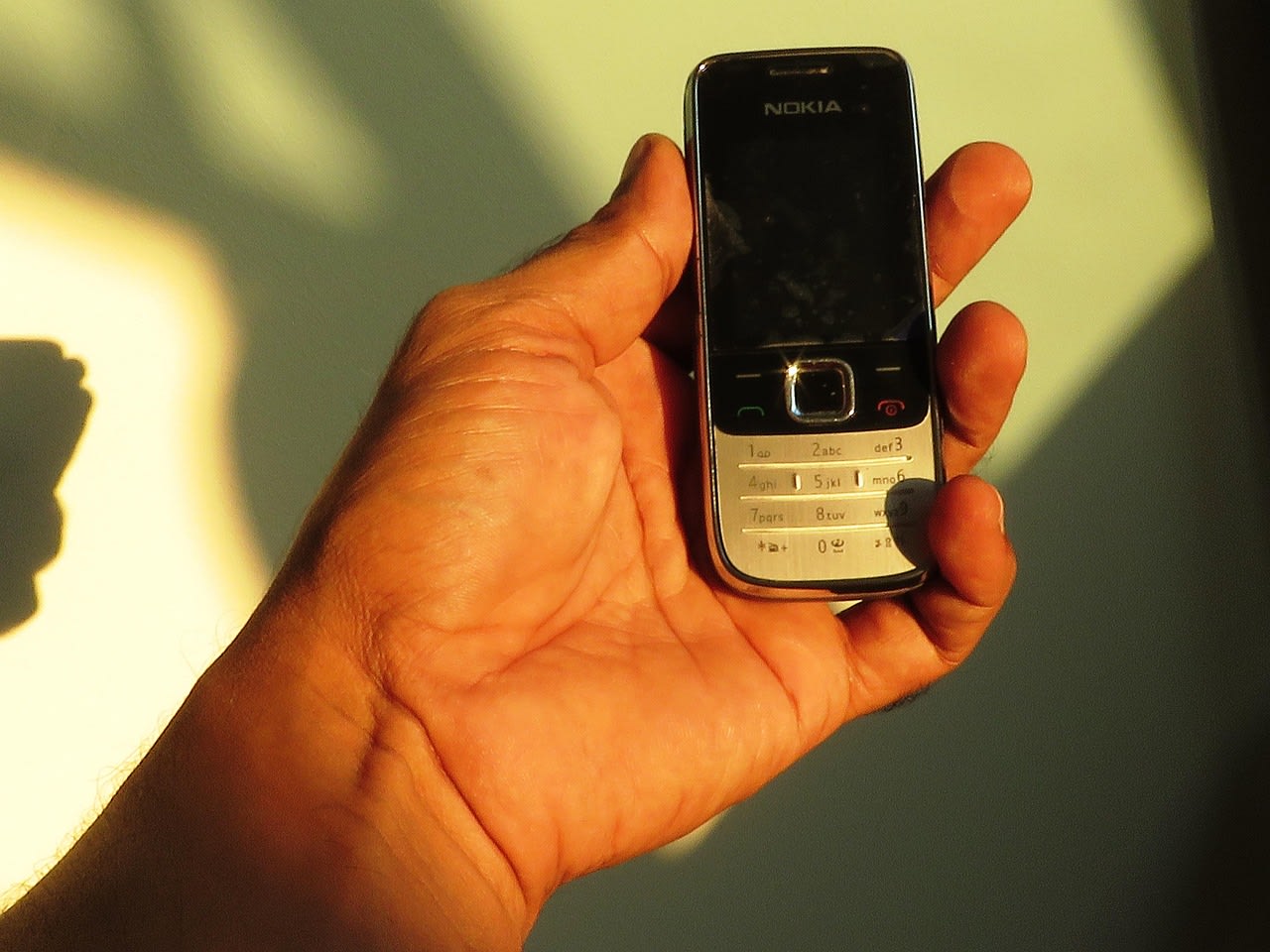
I first encountered this format when I decided out of curiosity to listen to a song on my father's old Nokia phone, only to realize that standard MP3 files would not play and that audio had to be played in a format called AMR, which I knew at the time by the .3gp extension. This format is a specialized, narrowband speech codec designed during the early mobile era and 2G/3G networks for voice transmission and MMS messages. AMR restricts the audio frequency range to the narrow band of the human voice (around 200 to 3400 Hz) to keep file sizes down to an astonishing few kilobytes per minute. Music playback sounds very poor and "telephonic," but it was essential for voice messaging in older mobile generations.
Primary Use Cases: Voice recording on classic legacy Nokia phones, MMS messages, and cellular network voice calls.
Now, let's explore which format is best suited for each specific situation.
Podcasting:
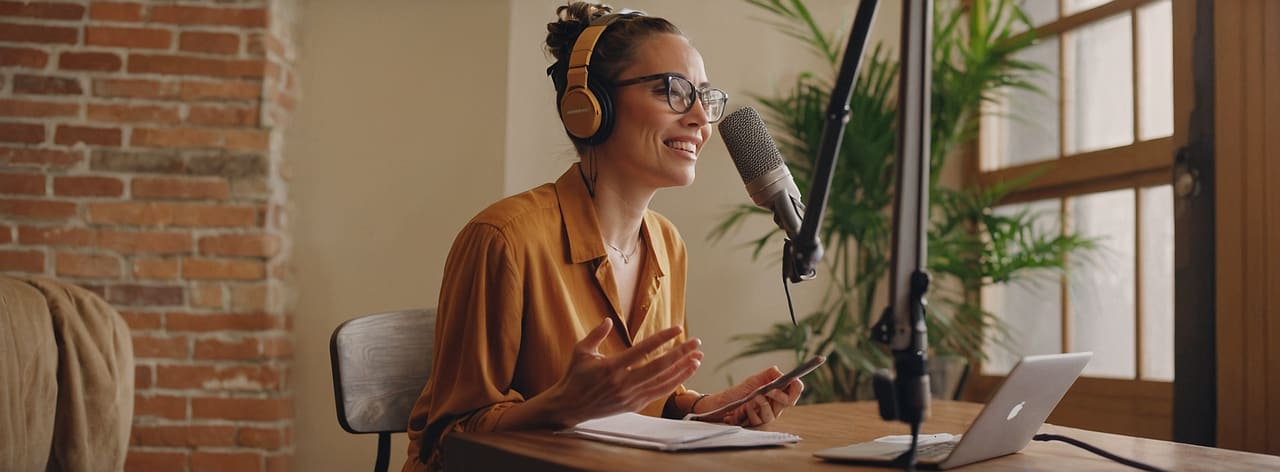
Personally, I listen to a lot of podcasts. From narrative, storytelling podcasts where hosts speak in soft, low tones for a relaxing atmosphere, to sports podcasts packed with intense energy where speakers might suddenly raise their voices. The format we choose must be able to handle all these dynamic scenarios seamlessly, while also keeping file sizes manageable. Most listeners, including myself, tune into podcasts on the go across various environments and network conditions, so keeping the file lightweight ensures both slower connection speeds and limited device storage can support the experience. Podcasts are typically long-form audio content lasting anywhere from 30 minutes to 2 hours, streamed or downloaded across a wide array of devices—ranging from iPhones and Android phones to Apple Watches and car stereos. In podcasting, our top priority is balancing speaker voice clarity with listener data usage; an audience member shouldn't burn 50 MB on a single episode, yet spoken audio shouldn't sound muffled or metallic either. Furthermore, consistent metadata compatibility—such as episode artwork, chapter markers, and track details across all podcast directories—is critical.
Best Format: MP3 (at 96 kbps or 128 kbps in mono or moderate stereo) or AAC (64 kbps to 96 kbps).
Why? Even though newer formats exist, MP3 remains the undisputed king among podcast aggregators. All podcast applications (such as Apple Podcasts, Castbox, and Spotify) parse MP3 files without the slightest issue, displaying artwork and chapter markers accurately. If a podcast consists purely of spoken conversation, a mono MP3 file encoded at 96 kbps yields completely crisp speech at an impressive size of roughly 30 to 40 MB for an entire hour of content. This allows listeners to download files smoothly even under low-bandwidth conditions without eating up significant local storage. To ensure maximum reach and reliability across your target audience, stick with this format for podcast distribution.
Voice Messaging in Social Networks

Voice messaging has made life very easier whenever someone needs to deliver a lengthy message. For instance, an IT engineer traveling for work who needs to explain the fix for an ongoing issue to their team would find typing out a huge wall of text tedious and difficult to read, whereas sending a voice note is fast, effortless, and much more effective. Virtually every messaging platform worldwide—with WhatsApp having pioneered this trend—relies heavily on voice messaging. If you are developing a messaging app, this feature is essential. However, when your app captures user audio for voice notes, you must avoid using the recording methods and formats used by default mobile voice memo apps. As discussed earlier, those apps rely on uncompressed formats like WAV and produce massive file sizes because their job is to capture every tiny acoustic detail. For voice messaging, our goal is simply to transmit spoken words swiftly; extreme detail is unnecessary, and aggressive compression is essential to reduce payload size and speed up transmission.
Messaging server bandwidth is a critical factor; if voice notes are overly heavy, servers become overloaded and users browsing on poor mobile connections in underground transit won't be able to fetch messages. Studio-grade fidelity is not the objective here—what matters is clear, audible speech free of distracting noise.
Best Format: Opus (typically packaged inside a .ogg or .opus container).
Why? Opus is a true breakthrough in speech compression. At remarkably low bitrates between 16 and 24 kbps, it preserves the tonal frequencies of the human voice with natural clarity that legacy formats cannot match at comparable sizes. That is why a one-minute voice message on Telegram or WhatsApp barely reaches 200 to 300 kilobytes and loads near-instantaneously.
Studio Recording, Music Production, and Audio Editing (DAW)
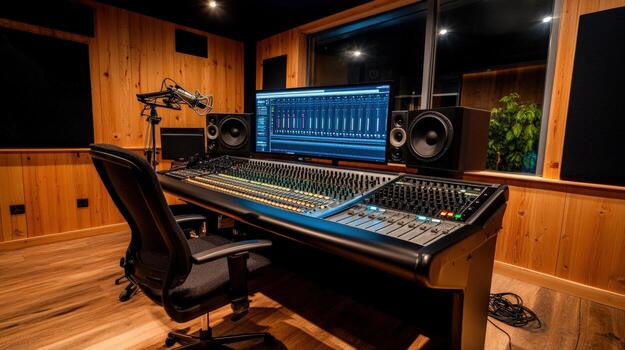
When dubbing a movie, the voice actor's emotion and tone must come through perfectly without any loss of nuance. This requires professional studio recording rather than standard capturing methods. This process encompasses early-stage music production, tracking voice talent in the booth, voiceover dubbing, and designing sound effects for films and video games. At this stage, file size is completely irrelevant; absolute data precision takes top priority. During editing, you apply hundreds of plugins, equalizers, compressors, and effects across multiple tracks. If the audio is already compressed, each round of digital processing and re-rendering introduces severe quality degradation (generation loss). Furthermore, the system CPU should not be weighed down decoding audio streams while managing dozens of simultaneous tracks.
Best Format: WAV (configured at 24-bit / 48kHz or 24-bit / 96kHz).
Why? The WAV format writes raw audio data directly to the disk without alteration. During playback, your system reads the file effortlessly because there are no decoding algorithms involved—it simply translates captured acoustic waves straight into binary data. All major digital audio workstations (like Cubase, Logic Pro, Ableton Live, and Reaper) stream and manipulate WAV tracks with minimal CPU overhead, giving audio engineers full headroom to boost frequencies and apply heavy processing without introducing unwanted digital artifacts.
Permanent Music Archiving and High-Fidelity Audio (Hi-Res)
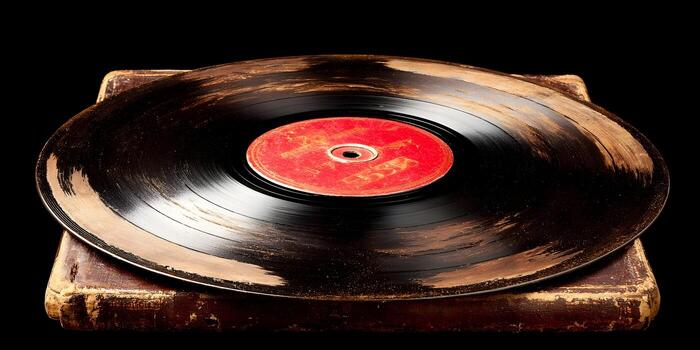
This scenario applies when you want to store prized albums, vinyl rips, or original audio CDs onto hard drives, home servers (NAS), or mobile storage for years to come. Your core requirement is capturing the exact sonic profile intended by the artist without losing a single bit, while ensuring your storage drives do not fill up within a few months and allowing you to embed detailed track metadata, album artwork, and release years.
Best Format: FLAC (and for dedicated Apple ecosystem users: ALAC).
Why? FLAC behaves like a high-performance ZIP archive for sound; it cuts the file size of an uncompressed WAV in half without altering any acoustic data. If you ever decompress a FLAC file back into WAV, it matches the original studio-recorded master bit for bit, while offering excellent support for rich metadata tags and high-resolution cover art.
Online Music Playback and Streaming in Websites and Applications

On streaming platforms like Netflix or Spotify, high-quality, accurate audio for critical moments—such as the sound of Spider-Man slinging a web or an instrument in a music track—must be delivered without consuming excessive user bandwidth. The chosen format must provide both high quality and small file sizes simultaneously. Services like YouTube Music, Spotify, or custom audio streaming apps handle millions of concurrent users. The core requirement in web streaming is that audio must start instantly upon clicking play, buffering must be kept to a minimum, bass and treble clarity must satisfy listeners with good headphones, and most importantly, playback must function seamlessly across all web browsers (Chrome, Safari, Firefox).
Best Format: AAC (at 128 kbps to 256 kbps) and modern web Opus / OGG.
Why? The AAC format at 128 kbps delivers an auditory experience equivalent to a 320 kbps MP3 file—offering the same listening feel with half the server bandwidth and user data consumption. Additionally, virtually every modern smartphone includes dedicated hardware acceleration for decoding AAC, preventing the device from heating up and draining battery during extended playback.
Audio Design and Sound Effects in Video Games (Game Audio)

Sometimes the sound design and music in video games convey mood and atmosphere even more powerfully than visual effects or game mechanics, so they must consistently maintain great fidelity. At the same time, assets must remain compact in size and fast to process and trigger. Everything in a game must stay strictly synchronized—a character's voice cannot lag behind their movement—meaning decoding latency must be instantaneous. Video games incorporate hundreds or thousands of short audio assets such as gunshots, footsteps, explosions, and dynamic background music. The requirements for game audio are demanding: sounds must consume minimal RAM and storage, impose negligible CPU overhead during high frame rates, and carry no licensing fees for game engines.
Best Format: OGG Vorbis (for extended audio and soundtrack stems) and uncompressed 16-bit WAV (for sound effects under 1 second).
Why? OGG is a completely free, open-source standard embraced natively by popular game engines like Unity and Unreal Engine. For ultra-short sounds lasting only a few milliseconds—like UI clicks or gunfire—tiny WAV files are preferred because they load with zero latency and require zero CPU cycles to decode. For ambient tracks, dialogue, and background music, OGG remains the undisputed standard due to its compact size and high audio fidelity.
The Common "Miracle Format Conversion" Myth
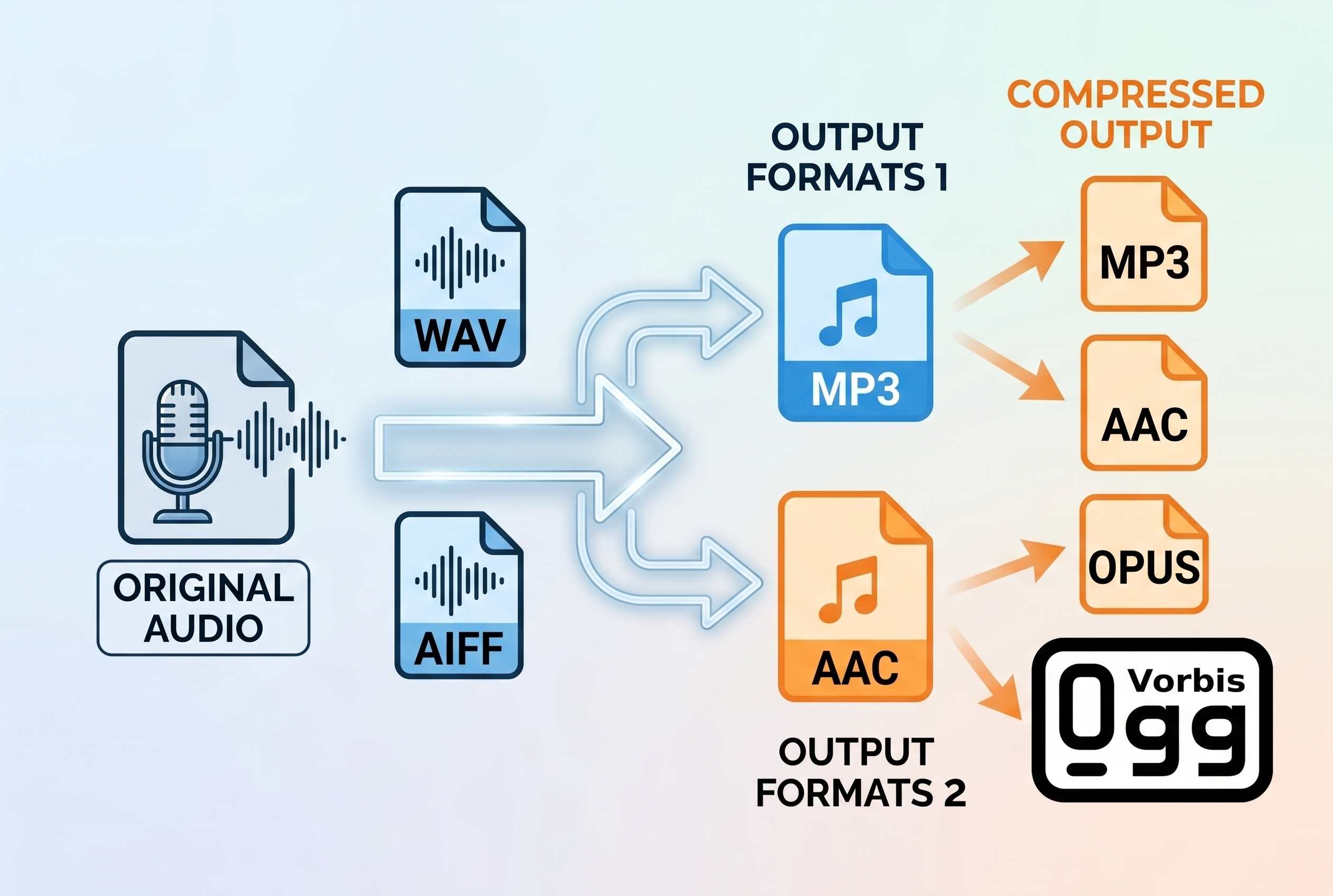
A crucial misconception to avoid is the illusion of upgrading audio quality through format conversion. Transcoding a compressed or low-quality MP3 into WAV or FLAC will multiply the file size tenfold without improving the sound quality by even one percent; data discarded during lossy compression is permanently lost. Uncompressed and lossless formats are only valuable when the original recording was captured in those formats from the start, rather than pouring an already-compressed file into a larger digital container later.
Audio Formats Specification & Comparison
| Format | Category | Compression Ratio | Metadata Support | Strengths & Characteristics | Primary Role / Ecosystem |
|---|---|---|---|---|---|
| WAV | Uncompressed | None (~10 MB/min stereo) | Basic / Inconsistent | Zero CPU playback load; pristine raw studio quality. | Windows, DAWs, Master Tracking |
| AIFF | Uncompressed | None (Identical to WAV) | Standardized (ID3/Apple) | Identical fidelity to WAV with superior Apple ecosystem metadata integration. | macOS, Logic Pro, Apple Music |
| DSD | Uncompressed (1-bit PDM) | None (Very large) | Supported (DSF) | Analog-like sound with minimal quantization noise; requires specialized DACs. | SACD Discs, Ultra-High-End Audiophile |
| FLAC | Lossless | 40%–60% reduction vs WAV | Excellent (Vorbis Comments) | Open-source standard; perfect bit-for-bit recovery with fast decoding. | Hi-Res Archiving, Tidal, Qobuz |
| ALAC | Lossless | 40%–60% reduction vs WAV | Native Apple (.m4a) | Matches FLAC compression; 100% native compatibility across Apple hardware. | Apple Music, iOS/macOS Libraries |
| APE | Lossless | Slightly higher than FLAC | Good | Maximum lossless compression; high CPU decoding load and low hardware support. | Legacy PC CD Rips (Foobar2000) |
| WavPack | Lossless / Hybrid | Flexible (Lossless + Lossy) | Excellent | Unique Hybrid Mode (.wv + .wvc); native 32-bit floating-point support. | Pro Audio Archiving, 32-bit Floats |
| WMA Lossless | Lossless | ~50% reduction vs WAV | Windows Media | Bit-perfect CD quality; closed ecosystem with minimal non-Windows support. | Legacy Windows Media Player Rips |
| MP3 | Lossy | ~90% reduction (128–320 kbps) | Universal (ID3) | Absolute universal hardware/software compatibility across all legacy and modern gear. | Podcasts, Legacy Devices, Web Audio |
| AAC | Lossy | High efficiency (64–256 kbps) | Standardized (.m4a) | Successor to MP3; superior frequency definition at lower bitrates with hardware decoding. | YouTube, Apple Music, MP4 Video Tracks |
| Opus | Lossy | Extreme efficiency (12–128 kbps) | Native (Ogg container) | Combines SILK (speech) + CELT (music); near-zero latency and best low-bitrate clarity. | WhatsApp/Telegram Voice Notes, VoIP, Discord |
| OGG Vorbis | Lossy | High efficiency | Robust (Vorbis Comments) | Open-source, patent-free format outperforming MP3; native game-engine integration. | Spotify Streaming, Video Game Audio Assets |
| WMA (Lossy) | Lossy | Moderate (64–192 kbps) | Windows Media | Microsoft alternative to MP3; largely obsolete due to modern AAC adoption. | Legacy Windows Systems |
| AMR | Lossy (Speech) | Extreme (Few KB/min) | Minimal (.3gp/.amr) | Narrowband human vocal range (200–3400 Hz); highly compressed telephonic sound. | Legacy Nokia Phones, 2G/3G MMS, Cellular Calls |
Recommended Audio Formats by Use Case
| Use Case / Scenario | Recommended Format | Recommended Settings | Key Rationale & Technical Advantage |
|---|---|---|---|
| Podcasting | MP3 (or AAC) | 96–128 kbps (MP3) & 64–96 kbps (AAC) | 100% universal player compatibility, reliable metadata/chapter/artwork handling, and lightweight files (30–40 MB/hr). |
| Voice Messaging | Opus (.ogg / .opus) | 16–24 kbps | Outstanding vocal clarity at ultra-low bitrates; keeps a 1-minute voice note down to 200–300 KB for instantaneous transfer. |
| Studio Recording & DAWs | WAV | 24-bit / 48 kHz or 96 kHz | Captures raw, uncompressed PCM data with zero decoding CPU overhead and zero generation loss during heavy editing/plugins. |
| Hi-Res Music Archiving | FLAC & ALAC for Apple | Lossless | Bit-for-bit master audio retention while slashing uncompressed WAV file sizes by 40–60%; robust metadata support. |
| Web & App Audio Streaming | AAC (or Opus / OGG) | 128–256 kbps (AAC) | 128 kbps AAC matches 320 kbps MP3 quality at half the data bandwidth; native mobile hardware acceleration saves battery. |
| Game Audio & SFX | OGG Vorbis (BGM/Stems) & WAV (Short SFX) | 16-bit WAV (SFX < 1s) & Compressed OGG | OGG provides royalty-free playback for music/dialogue; short uncompressed WAVs load with zero latency and 0% CPU decode strain. |
Mental Checklist for the Final Choice
To wrap up audio formats, keep this simple rule of thumb in mind: choose WAV when producing and editing, turn to FLAC for permanent and lossless archiving, rely on MP3 for universal podcast compatibility, implement AAC for modern web streaming and YouTube, and leave the job to Opus whenever ultra-compact voice notes and real-time internet speech are required.