Have you ever noticed how you feel when walking out of a noisy club after being exposed to loud music for an extended period, or when visiting a construction site where the grating roar of heavy machinery bothers you? This happens because our ears and auditory system are exposed to sound waves for too long or at too high of an intensity, which can lead to ear pain or physical damage.
Hearing is one of our five human senses, and we must take care not to harm our auditory system and its components. Unfortunately, today it has become one of the most vulnerable parts of our body, as we are constantly exposed to acoustic waves, loud environments, noisy spaces, and audio playback gear like headphones and earphones.
More than a billion young people between the ages of 12 and 35 are now at risk of permanent, avoidable hearing loss because of how they listen to headphones, according to the World Health Organization. Unsafe listening habits have climbed by roughly 25 percent since 2020, and the damage, once it happens, cannot be undone.
The good news is that almost all of that risk comes down to a small number of habits you can actually control: how loud you listen, for how long, what kind of headphones you use, and whether you turn on a few safety features your phone already has built in.
How Hearing Damage Actually Happens
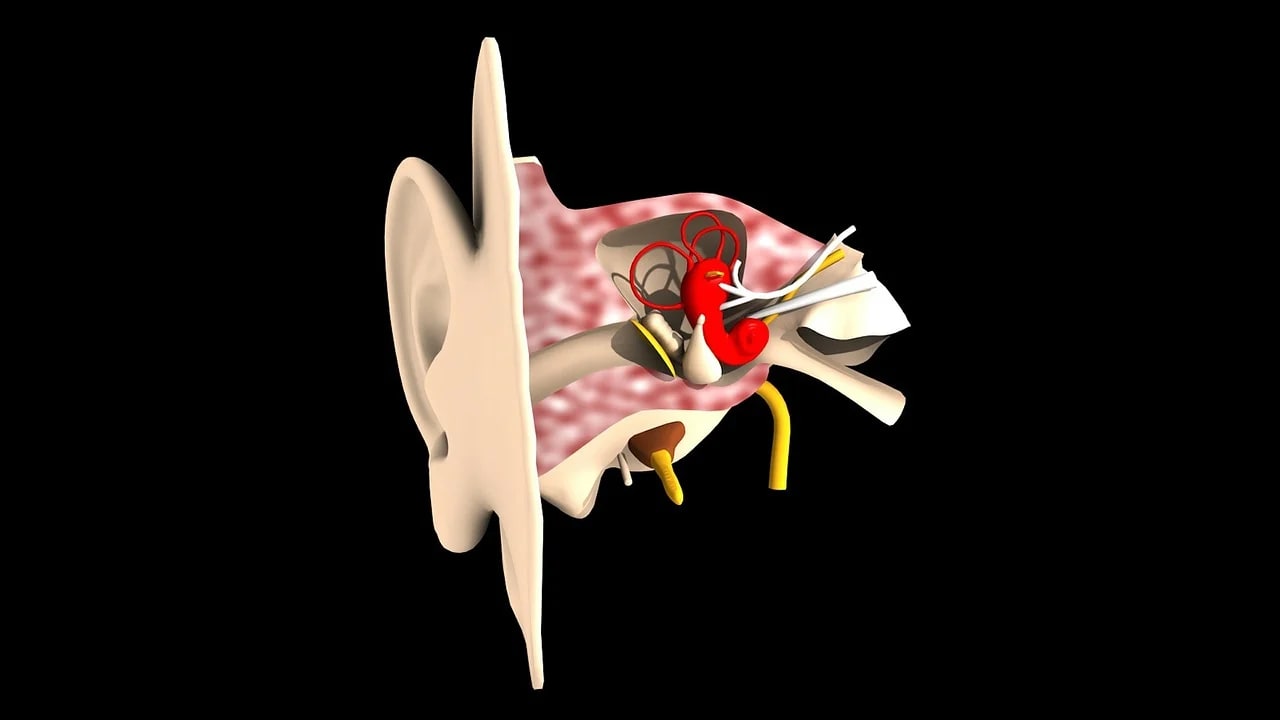
Loud sound damages the tiny hair cells inside your inner ear that convert vibrations into the electrical signals your brain reads as sound. Unlike skin or hair, these cells do not grow back once they are destroyed, which is why noise-induced hearing loss is permanent and cumulative rather than something that heals between listening sessions.
Health agencies do not just look at how loud a single moment is. The World Health Organization and the International Telecommunication Union track something called a weekly sound dose, treating your listening like a budget: roughly 80 decibels for 40 hours in a week is the reference point most safety standards for personal audio devices are built around, the same exposure level used in workplace hearing safety rules.
The Numbers That Actually Matter
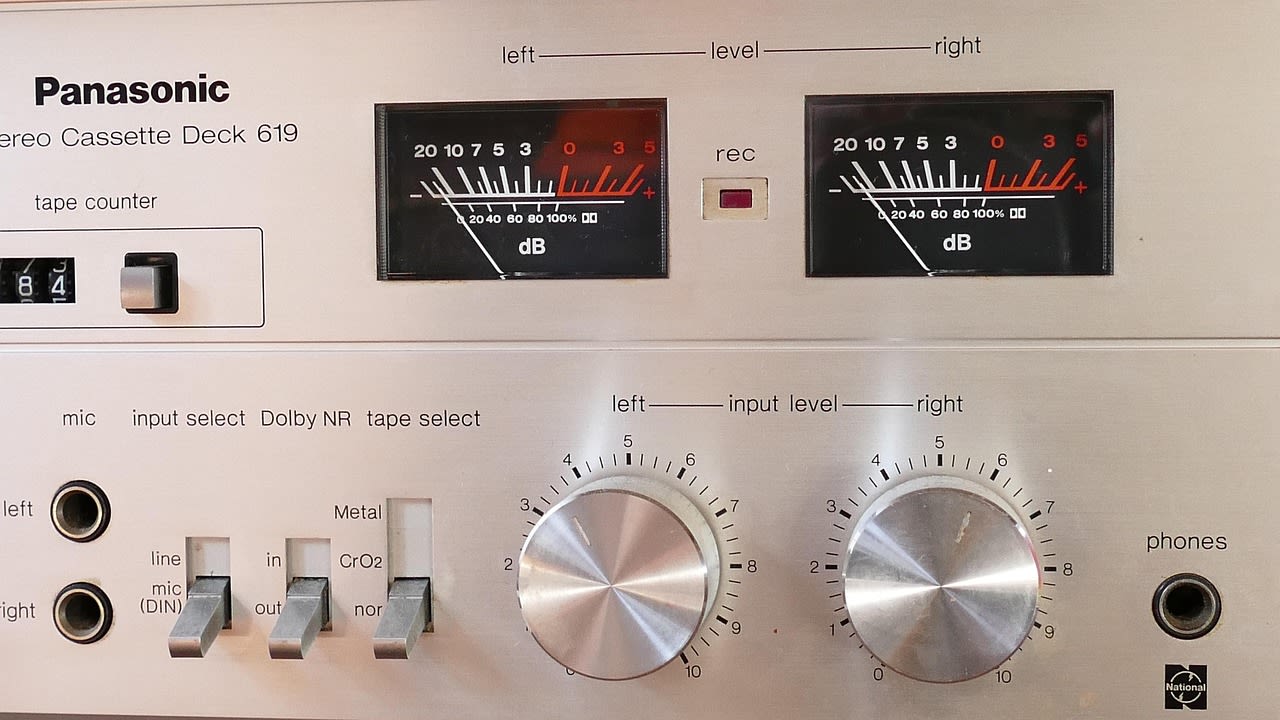
The US National Institute for Occupational Safety and Health uses a simple rule called the 3 dB exchange rate: every time the volume goes up by 3 decibels, the safe listening time before risk begins is cut in half. That single rule explains why a small volume increase matters so much more than most people assume.
| Volume level | Safe listening time per day |
|---|---|
| 85 dB (roughly 60-65% of max volume on many devices) | 8 hours |
| 88 dB | 4 hours |
| 91 dB | 2 hours |
| 94 dB | 1 hour |
| 97 dB | 30 minutes |
| 100 dB | 15 minutes |
| 103 dB | Under 8 minutes |
| 106 dB and above | A few minutes or less |
For reference, most phones and headphones reach their maximum output somewhere between 100 and 115 decibels, and a loud concert or club is routinely around 120 decibels, a level considered unsafe after only a few seconds of exposure.
Signs Your Ears Are Already Telling You Something
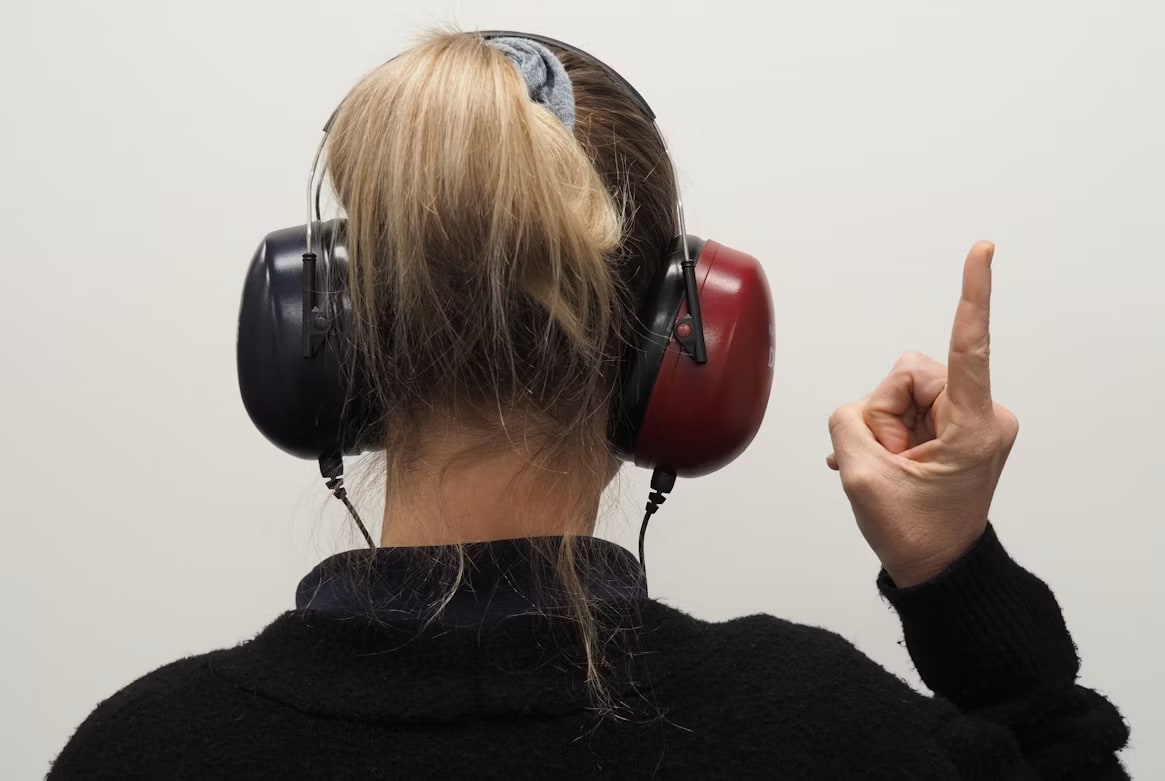
Hearing damage rarely announces itself loudly. The most common early signs are a ringing, buzzing, or hissing sound after a listening session, sounds seeming muffled or underwater for a while afterward, and needing to turn the volume up over months just to hear as clearly as you used to.
That last one is easy to miss because it happens gradually. If you notice your comfortable volume has been creeping upward over time, treat it as an early warning rather than a coincidence, and consider getting a hearing check rather than waiting for symptoms to become permanent.
13. Title — Turn On the Safety Features Your Devices Already Have
Turn On the Safety Features Your Devices Already Have
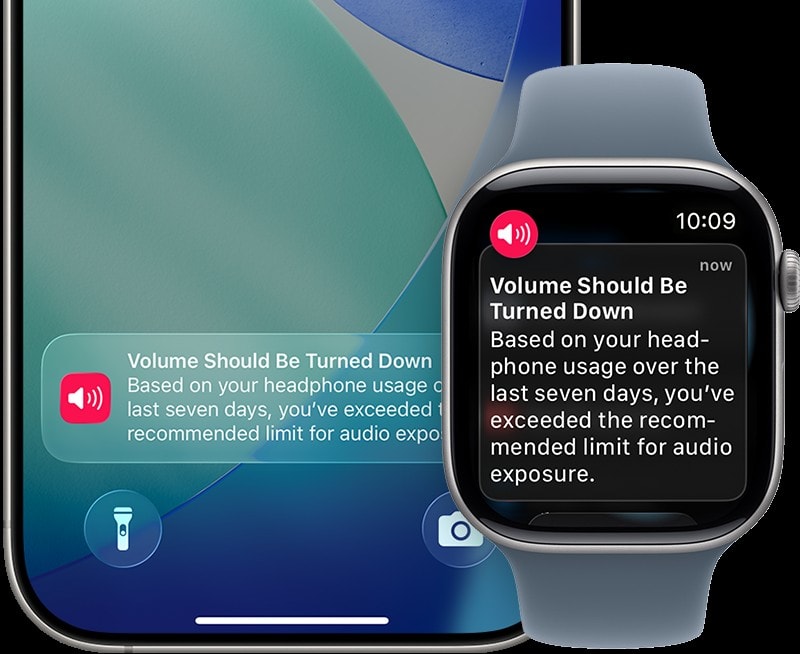
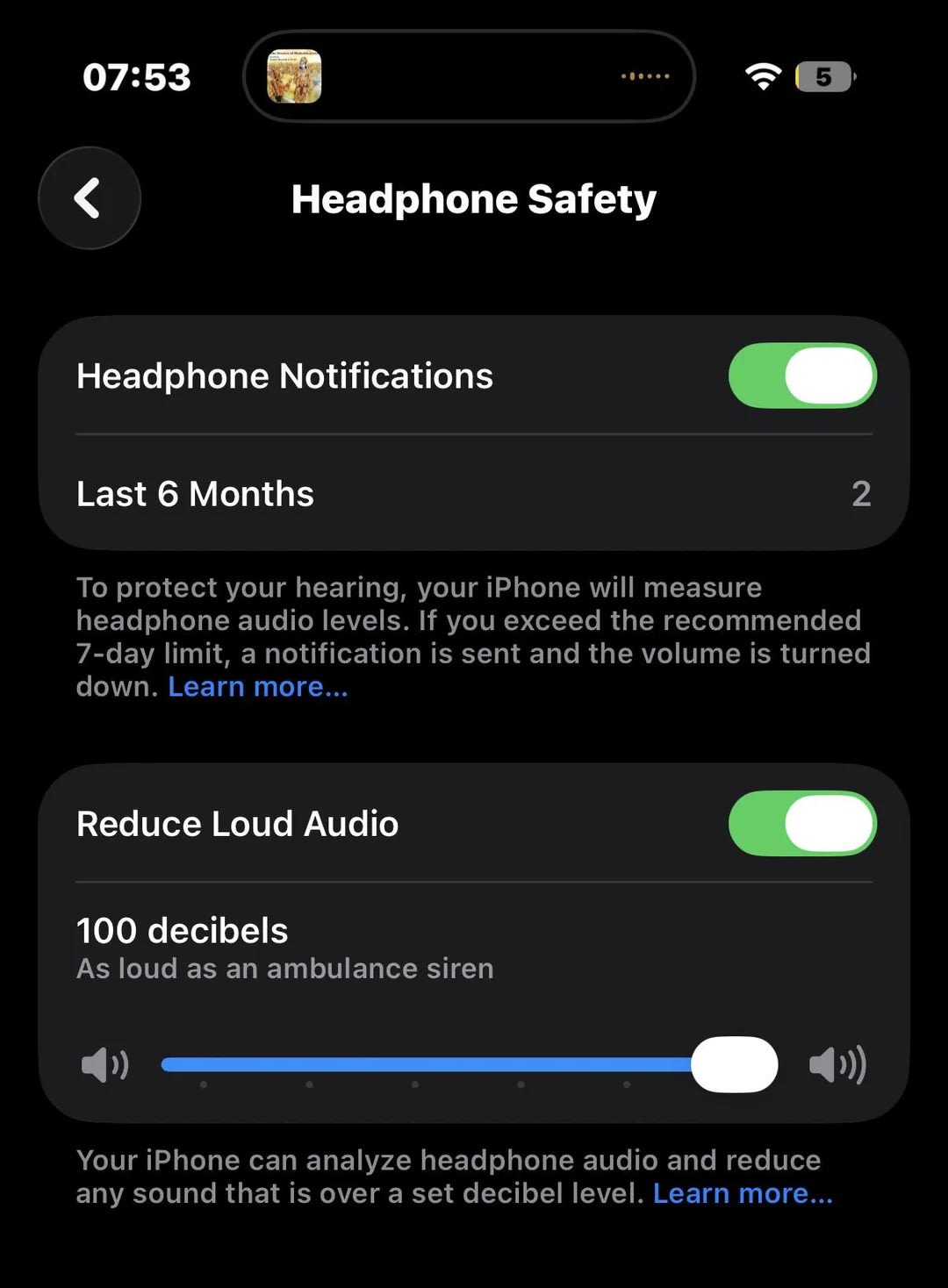
iPhone and Apple Watch include Headphone Notifications, which track your media volume over a rolling 7-day window and alert you once you have been exposed to the equivalent of 80 decibels for 40 hours total, the same weekly reference point used in the WHO-ITU standard. After a warning, your headphone volume is automatically lowered the next time you connect them.
In iPhone Settings under Sounds and Haptics, then Headphone Safety, you can also turn on Reduce Loud Sounds and set a hard decibel ceiling so your volume can never exceed a level you choose, no matter how high you push the slider.
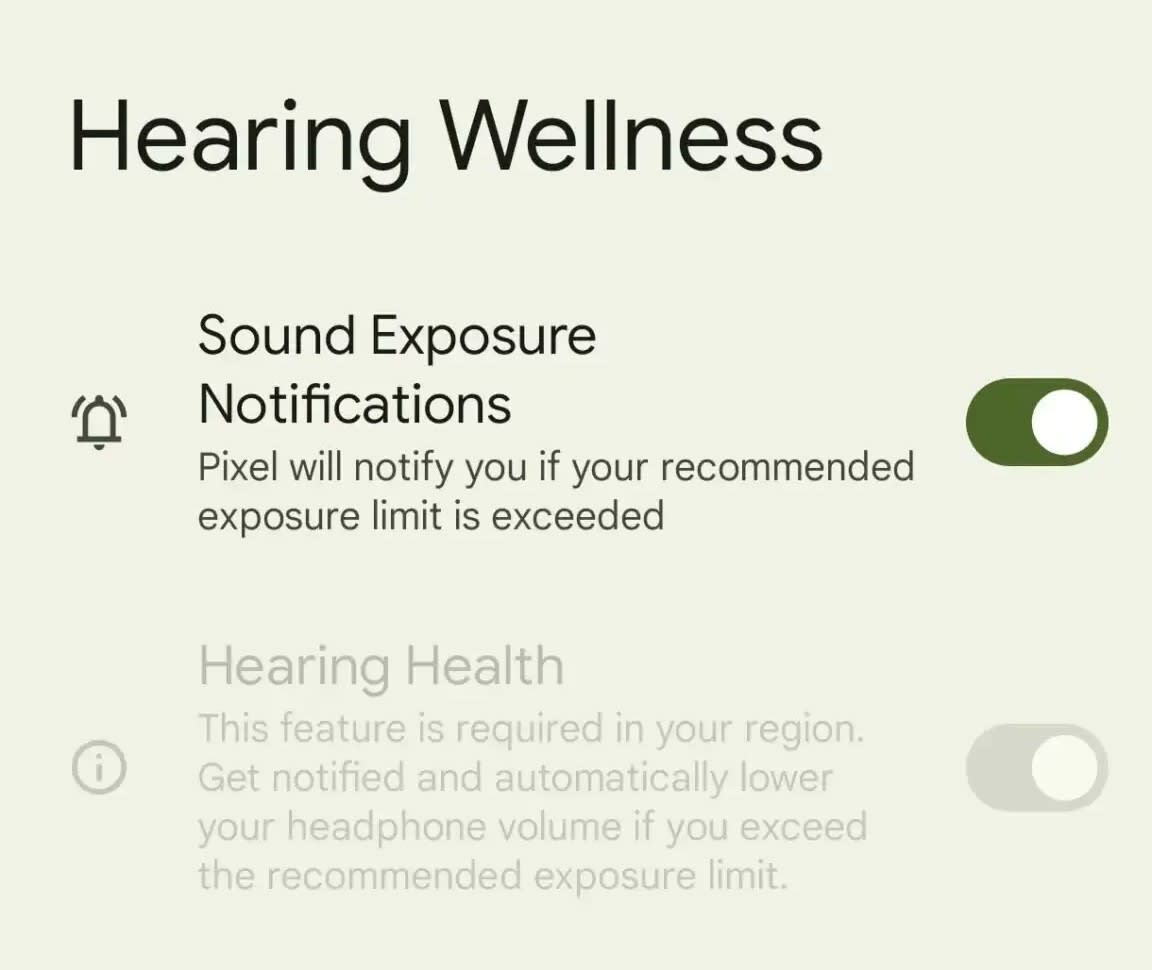
Android phones running Android 15 or newer, including Pixel devices, include a similar Hearing Health feature that warns you when output crosses roughly 100 decibels over 5 minutes, or 105 decibels in a single minute, based on the IEC 62368-1 safety standard. If you dismiss the warning without choosing an option, the system lowers your volume automatically rather than assuming you meant to keep it loud.
Choose and Use Your Headphones Strategically

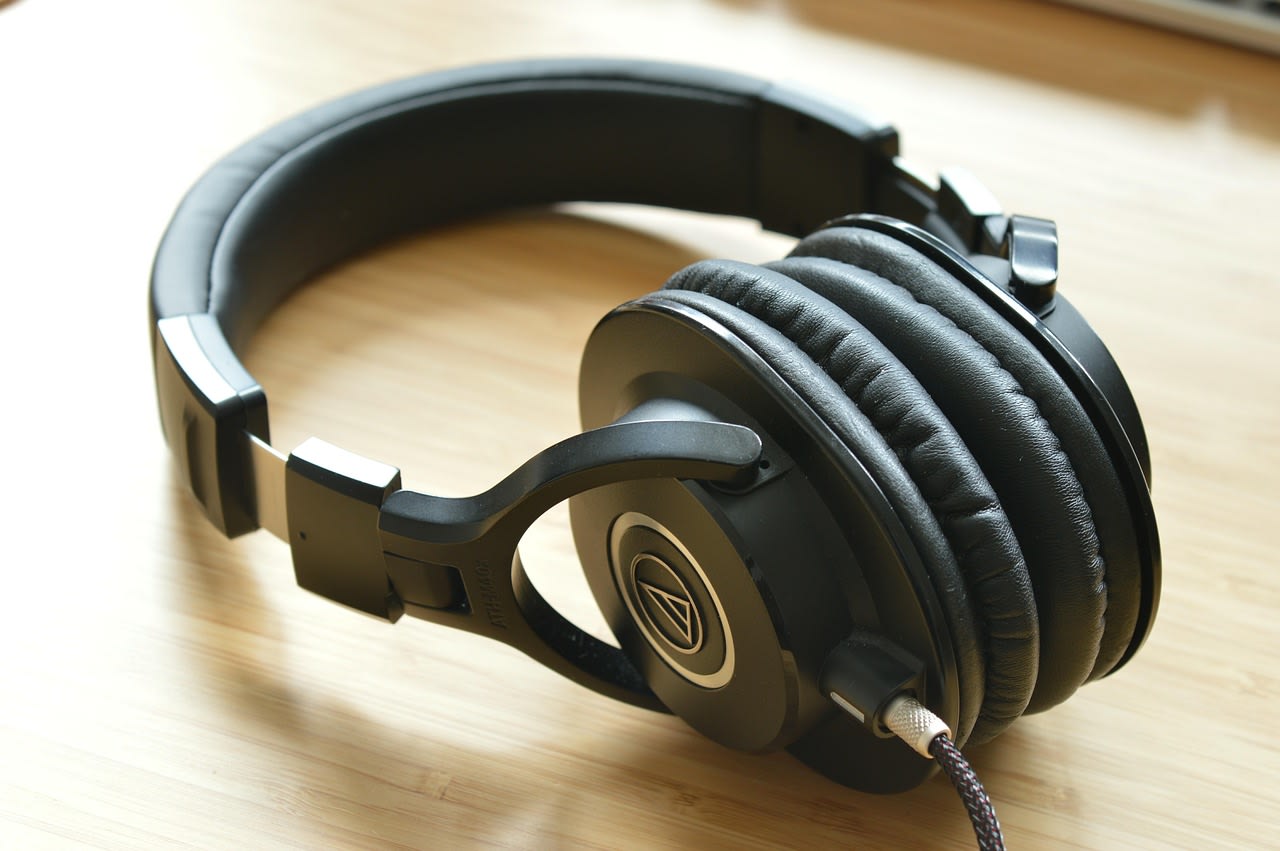
In-ear earbuds sit deep in the ear canal and can effectively amplify sound by several decibels compared to headphones that sit outside the ear, simply because there is almost no distance between the driver and your eardrum. Over-ear headphones create more physical space and generally require a lower volume setting to sound equally loud.
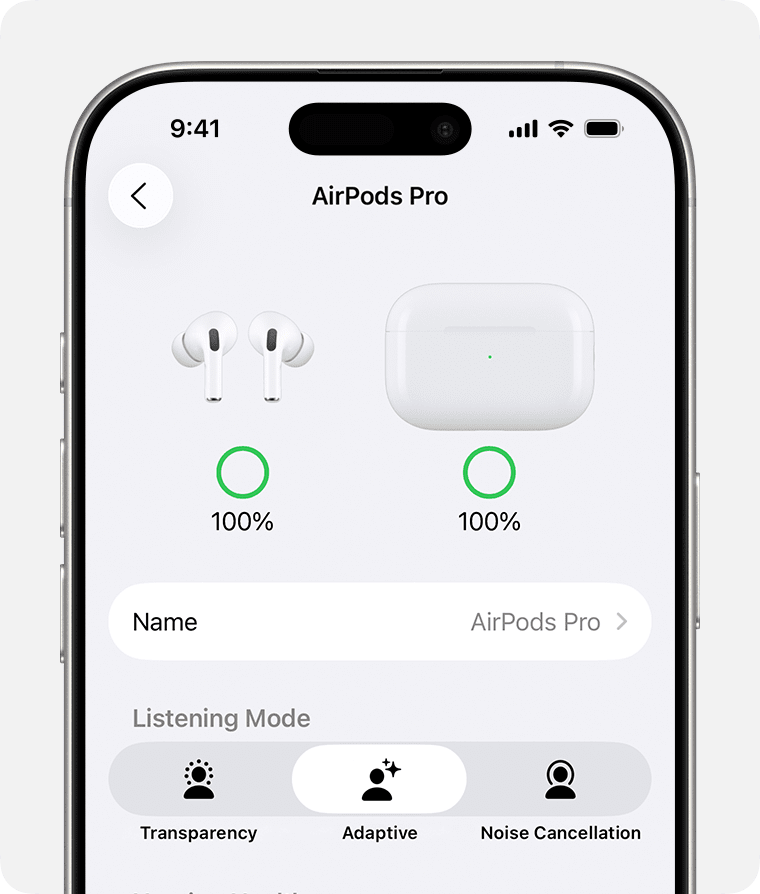
Active noise cancellation is not just a comfort feature. Research on real bus and cafe noise found that people using noise-cancelling headphones reduced their chosen volume by roughly 4 to 12 decibels compared to listening without it, because they no longer needed to drown out their surroundings. If you frequently listen in noisy places like transit or open offices, ANC is one of the more effective, no-effort ways to lower your daily sound dose.
A Simple Habit Checklist
1) Keep your everyday volume at or below the setting your device marks as safe, and treat 60 percent of maximum as a reasonable ceiling if you are unsure.
2) Take a 5 to 10 minute break from headphones for every hour of continuous listening, especially during long commutes, workdays, or gaming sessions.
3) Turn on your phone's built-in hearing safety notifications instead of relying on memory or willpower.
4) In loud environments, reach for noise-cancelling headphones or noise-isolating earbuds before you reach for the volume slider.
5) If you game for long stretches, apply the same rules to game and voice-chat audio as you would to music. The WHO and ITU launched a dedicated safe-listening standard for gaming and esports in March 2025 specifically because gamers were found to be about twice as likely to show signs of hearing loss as non-gamers.
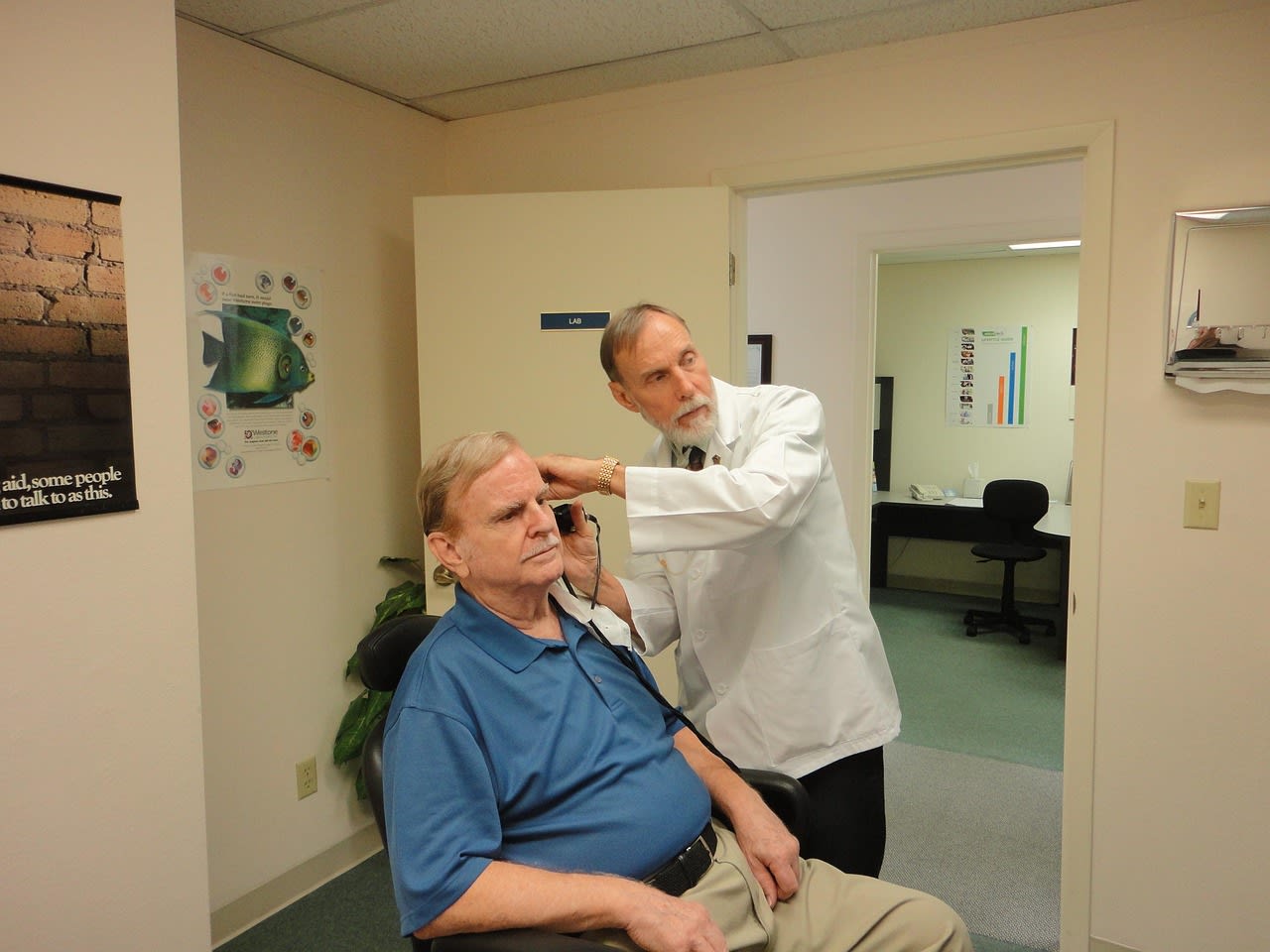
6) Get a baseline hearing test if you listen through headphones for multiple hours a day, so you have something to compare against if you ever notice a change.
The Bottom Line
None of this requires giving up headphones or turning your music down to a whisper. It requires treating loud sound like any other cumulative health risk, something to budget and manage rather than ignore, because the hair cells lost to a loud commute or a marathon gaming session do not come back. A few minutes spent turning on the safety features already built into your phone is one of the easiest, most permanent-damage-preventing changes you can make this week.